Wireframing made easy.
Create wireframes for websites, apps and dashboards in minutes, with AI, ready made UI components, real time collaboration and code export. WireframePro is built into every MockFlow plan.

Get to wireframes faster, wherever you begin.
Start fresh with ready made UI kits and templates, or let AI give you a first draft to shape.

UI kits
Save hours on every project with ready components for websites, web apps, mobile apps and the latest frameworks.
Explore UI kits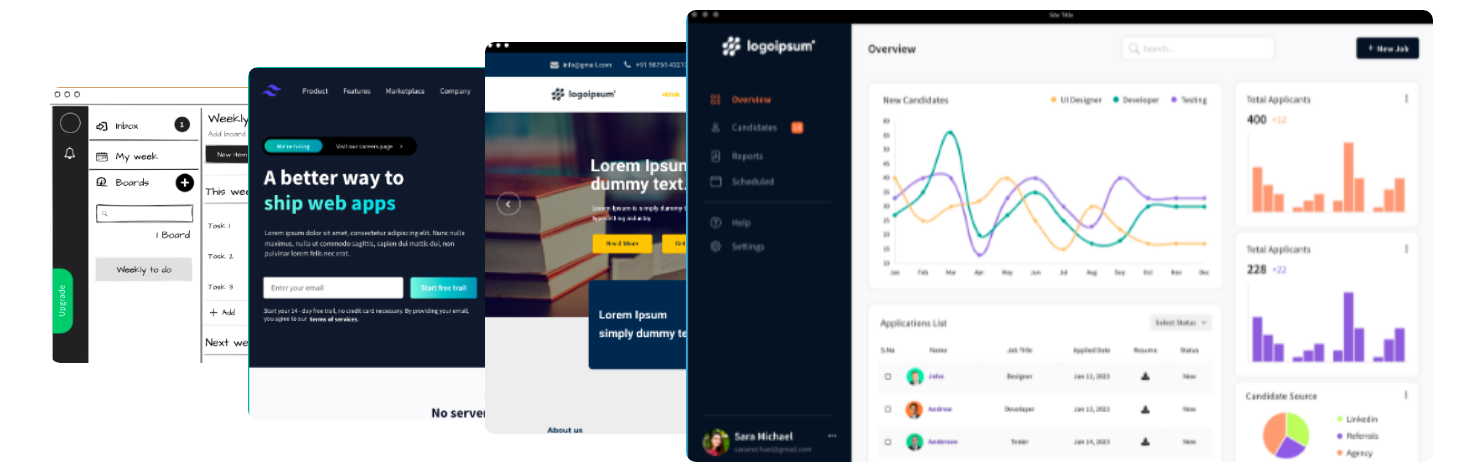
Wireframe templates
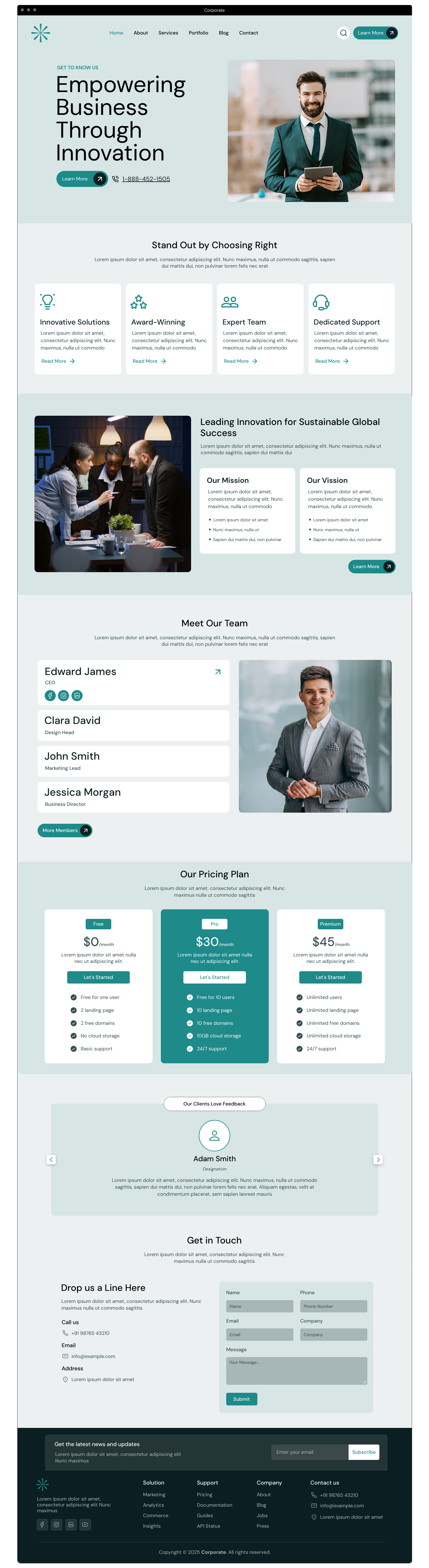
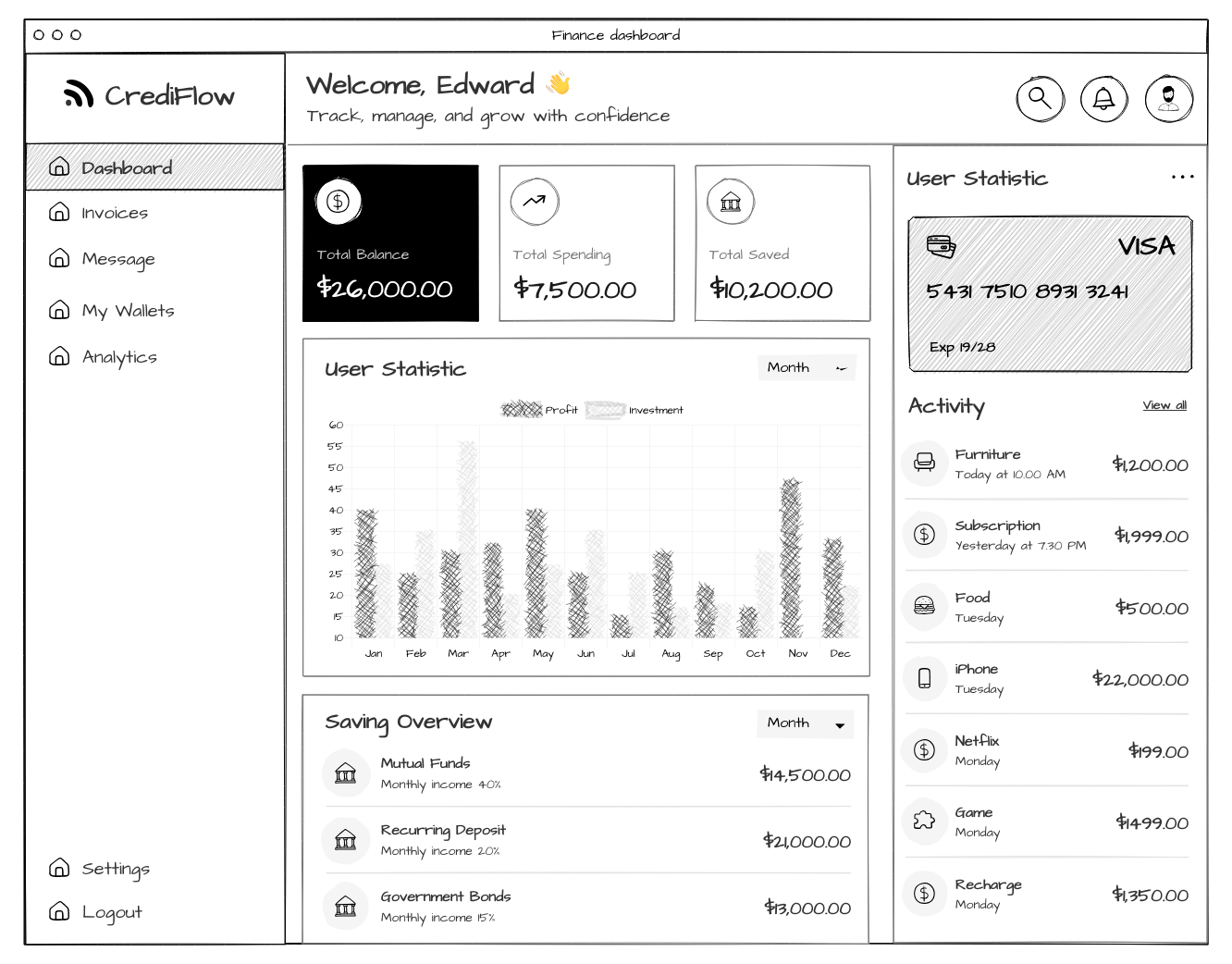
Import layouts for websites, web apps, dashboards and mobile apps from the template store.
Explore templates
Start with AI
Generate a wireframe from a text prompt, or turn a site you admire into a wireframe in minutes.
About MockFlow AIStart from what already exists.
Turn live pages and screenshots into editable wireframes, then redesign instead of redrawing.
MockFlow Clippy for Chrome
Convert any website or web app straight into editable wireframes and save hours on redesigns.
Get MockFlow Clippy
Screenshots to wireframes
Capture part of a website or app and convert it into an editable wireframe with AI.
Wireframes with AIEverything you need, right in the editor.
Images, illustrations and icons are built in, so you stay focused on the design instead of gathering resources.

Stock and AI images
Find or create high quality images without leaving your project.

Icon libraries
From Material Design to Font Awesome, find the right icon instantly.

Illustrations
Curated illustrations for hero sections, feature images and more.
Features that save hours.
As projects grow, keep wireframes consistent and quick to change.
Symbols
Reusable components that stay in sync across every page. Update once, see it everywhere.
Master pages
Shared headers, sidebars and footers that apply across wireframes automatically.

Chart components
Bar, line and pie charts with real data, right inside your wireframes.

Data grid components
Data tables with sortable columns, filters and pagination, ready for dashboards.
Prototyping made easy.
Turn static wireframes into interactive prototypes with no complex setup, and show your UI flow clearly.
- Present with confidence. Stakeholders click through the journey instead of imagining it.
- Save hours. Build working flows without complex tools.
- Get faster approvals. Prototypes that feel real from day one.
From wireframe to front end code.
Generate clean code for your wireframes in the framework you already use.
- Skip the rebuild. Go straight from design to development.
- Speed up delivery. Hand developers usable, editable code from day one.
- Choose your stack. Export in the framework your team ships with.
 JavaScript
 Bootstrap
 Electron
 jQuery
 React
React Tailwind
 TypeScript
Collaboration built for design teams.
Designers, developers and stakeholders in one workspace, live or async.
Build it together.
Watch wireframes take shape with simultaneous editing, and leave version conflicts behind.
Suggest, then apply.
Propose alternative layouts and copy changes in comments. Review them and apply with one click.
Present the flow.
Show wireframes and user flows to stakeholders in a distraction free view and gather feedback live.
AI that helps at every step.
Generate text, placeholder data, user flows, colour palettes and images from a single prompt.
- Generate what you need. Copy, images, palettes, flows and dummy data in seconds.
- Turn ideas into structure. Wireframes from prompts, screenshots and URLs.
- Refine with confidence. AI reviews your design and suggests improvements.
- Built in guidance. Mida helps as you design.
 UI copy with AI
 Wireframes with AI
 Sitemaps with AI
 Documentation with AI
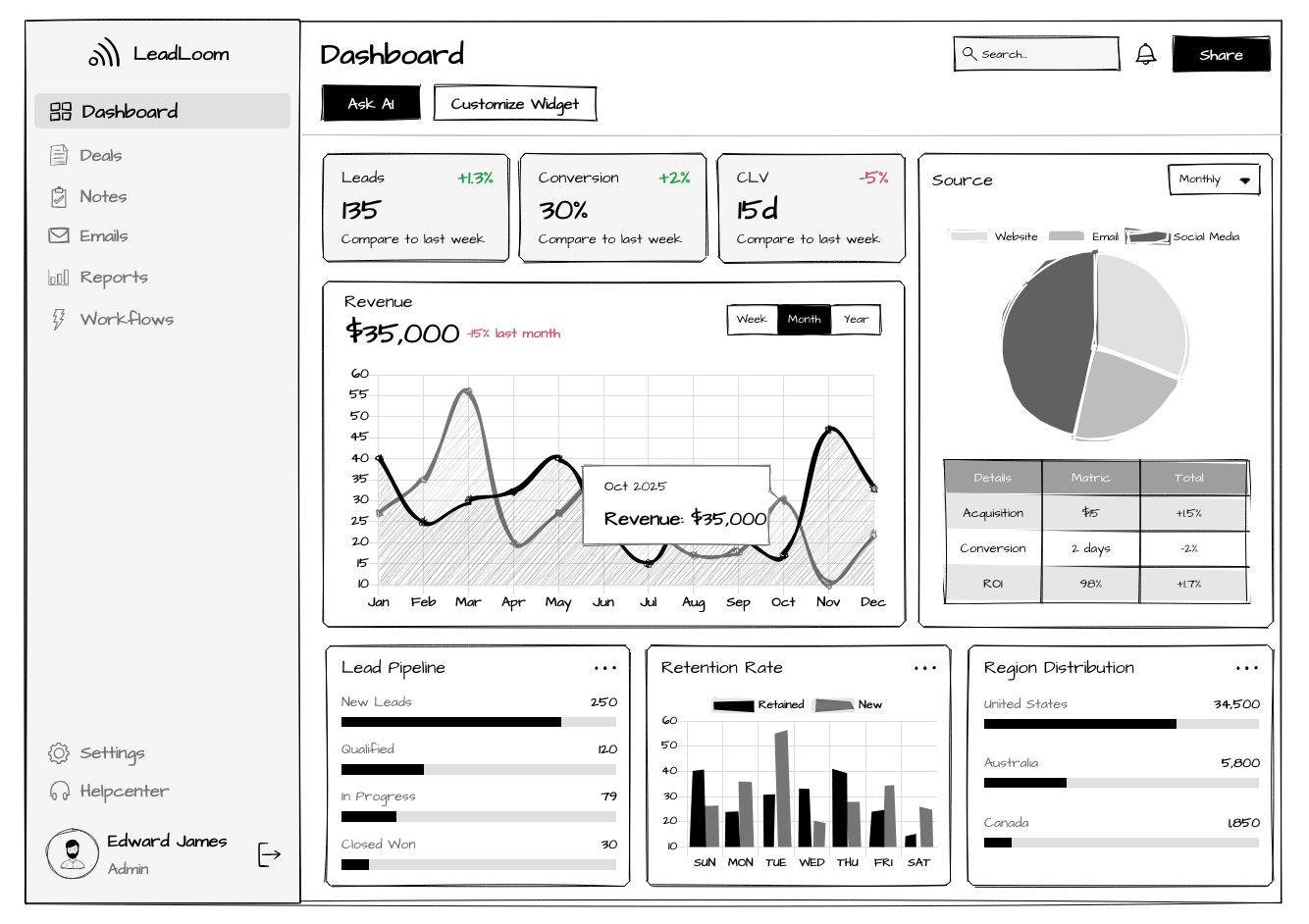
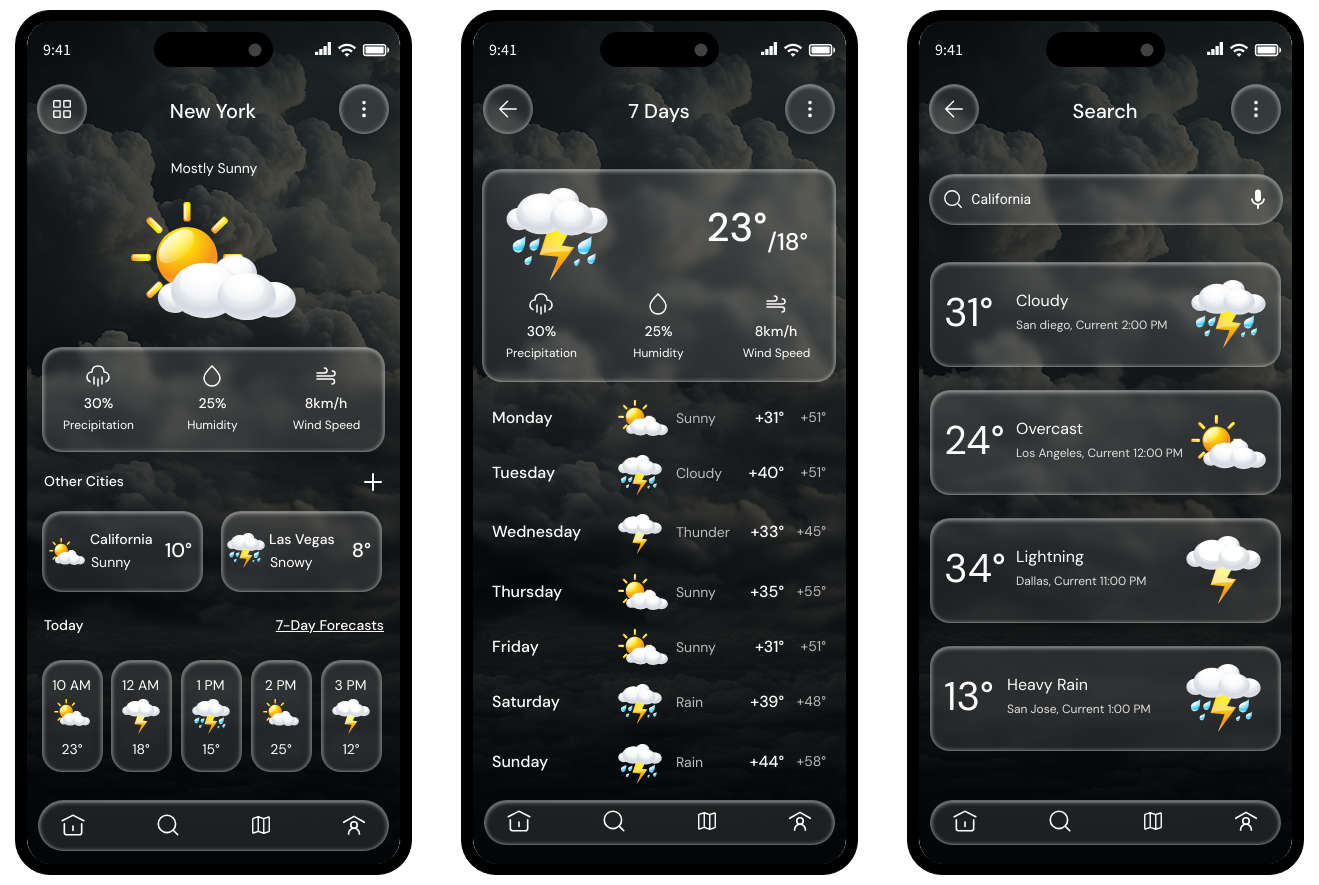
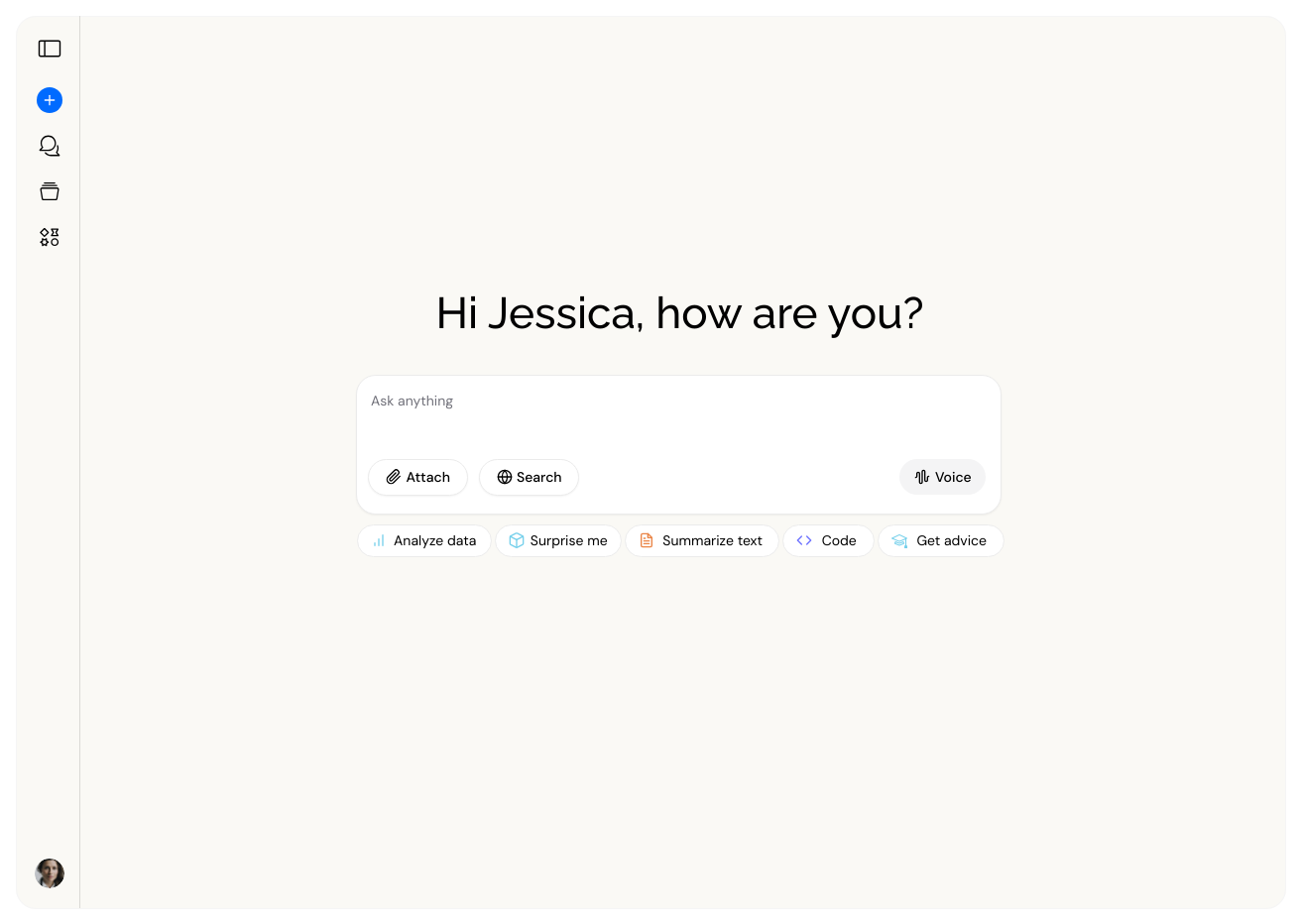
Templates and UI kits to start from.
Import any of these free templates and customize it in WireframePro. Browse all templates
Use the WireframePro MCP server with Claude Code or Cursor to go from design to code on your own AI.


 Brainstorm with MockFlow MCP



