Brainstorm visually with MockFlow
Whiteboard, diagram, wireframe and prototype together on a shared canvas, with meetings and AI agents that turn rough ideas into polished plans.


 Meet
Meet Teams
Teams VS Code
 Jira
Jira Trello
From wireframe to prototype in minutes.
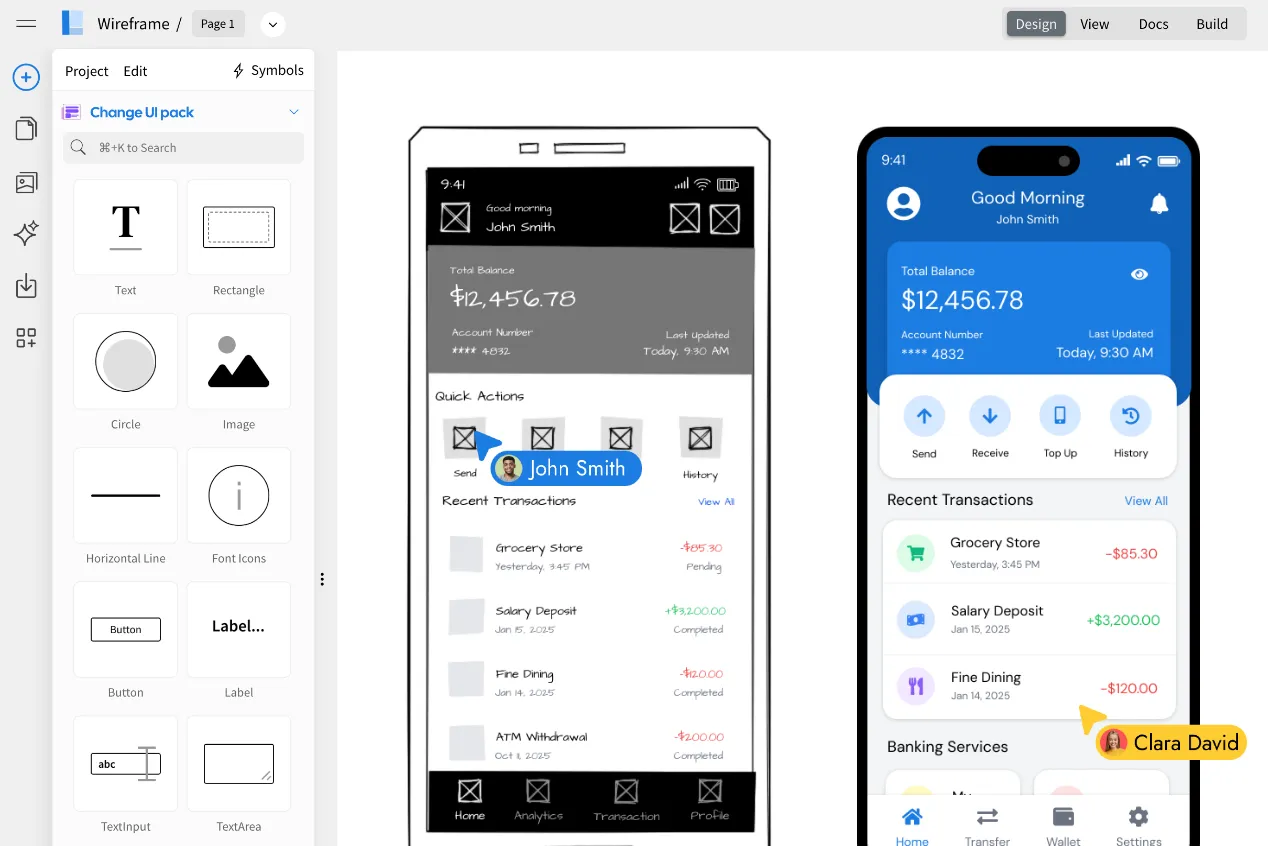
Sketch app and web screens on the board with a full widget library and AI. Then restyle them, render them and click through them, all in the same place.


 Outline
 Sketchy
 Hi-fi
Hi-fi Blueprint
 Liquid glass
 Fluent
 Android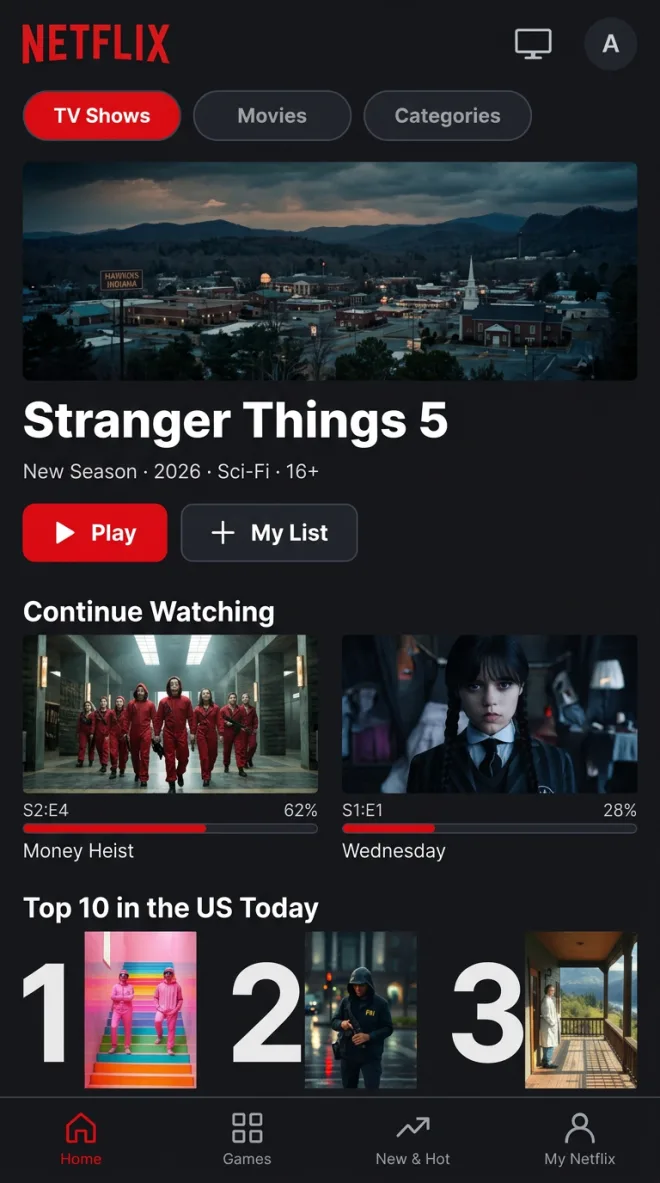
 FigmaAuto layout
 Wireframe
Capture any web page
Clippy, our Chrome extension, sends any page to the board as an editable wireframe, ready to redesign.
Auto layout
Stack widgets with gap, padding and alignment, so screens stay tidy as you edit. The stacks carry over to Figma.
WireframePro inside
Need the full UI design editor? WireframePro comes with every plan, with UI packs, symbols, pages and Build mode.
Flexible workspace that fits any use case.
Pick the components, templates and AI help that match your work. The same board serves a classroom, a sprint, a campaign or a floor plan.

 Designer
 Product manager
Wireframe and prototype next to the idea.
The full WireframePro wireframing toolkit is inside every board, on every plan. Classic WireframePro stays fully supported.
- Screens from a prompt, screenshot or URL
- Prototypes wired by AI
- Figma and code export
 Wireframe a banking app home screen
 DeveloperProduct manager
Map the system before you build it.
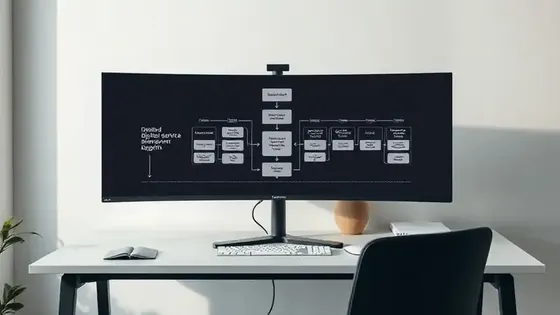
Architecture, flows and specs live next to the brainstorm, and your coding agent can draw on the same board.
- AWS, Azure, GCP, Kubernetes
- ER, UML and sequence diagrams
- Docs and code blocks
Draw our payments service from this repo TeacherStudent
Teach on a board the whole class can touch.
Build a lesson in minutes, run a quiz or a poll, and let students add ideas from their own devices.
- Polls, quizzes and voting
- Timers for group work
- Mind maps and diagrams
Make a lesson board on ecosystems with a quiz Content creatorMarketing lead
From brief to launch on one board.
Keep the designs, the video references and the schedule together, and let the team review them in one place.
- Social posts and design frames
- YouTube videos and audio clips
- Content calendars
Plan a month of launch content for Instagram FacilitatorTeam member
Run the session, not the tools.
Warm up with a game, vote on ideas, keep time, and leave with a sorted plan everyone saw being made.
- Sticky notes and matrices
- Upvotes, polls and spinning wheel
- Icebreaker and retro artifacts
Set up a sprint retro with a 5 minute timer Operations leadField manager
Run every site from one board.
Map your locations, plan the routes and keep the checklists and weekly tasks right beside them.
- Maps with pins and regions
- Routes and process flows
- Checklists and kanban
Map our 10 stores and plan the delivery routefor brainstorming
Describe it and Mida builds the board.
Mida reads your board, works out what to make and lays it out for you. Start from a sentence, a meeting or the tools your team already uses.




 Service Blueprint Architect
 Launch planner

Meet, chat and comment where the work is.
Calls, chat and feedback happen on the board itself, so nobody has to switch tabs to stay in the loop.
 Daniel
 Marcus
 Elena
Elena Sam
SamAudio and video meetings
Start a call from the board, present live, and turn the meeting transcript into a board afterwards.
Team chat with Mida
Mention @mida to summarize the discussion, list action items, or catch up on what you missed.
Rich comments
Pin text, audio or video comments to the exact spot on the board, and react without breaking the flow.
Go unlimited with the agent you already pay for.
Bridge puts Claude Code, Codex, opencode or BridgeAI behind Mida. You keep working exactly as you do now. Your agent does the thinking, so nothing spends your credits.
- Unlimited generations across several boards at once
- Reads local files, so the board can see your repo
- Teammates see a normal board, not a terminal
npm i -g @mockflow/mockflow-bridge   # install once
mockflow-bridge                      # start it

# Enter the pairing code on your board.
# Then ask Mida as usual:
"Draw src/onboarding as a flowchart"
# Claude or ChatGPT: Settings › Connectors › Add connector
# Any MCP client:
npx @mockflow/ideaboard-mcp
npx @mockflow/wireframepro-mcp
curl -X POST https://api.mockflow.com/v1/ai/generate \
  -H "Authorization: Bearer $MOCKFLOW_TOKEN" \
  -d '{"prompt":"Retro board for sprint 42"}'
A full board in one click. Share the link and anyone joins. Boards last 24 hours, so sign up to keep one.

 Brainstorm with MockFlow MCP


